Service Console Screens
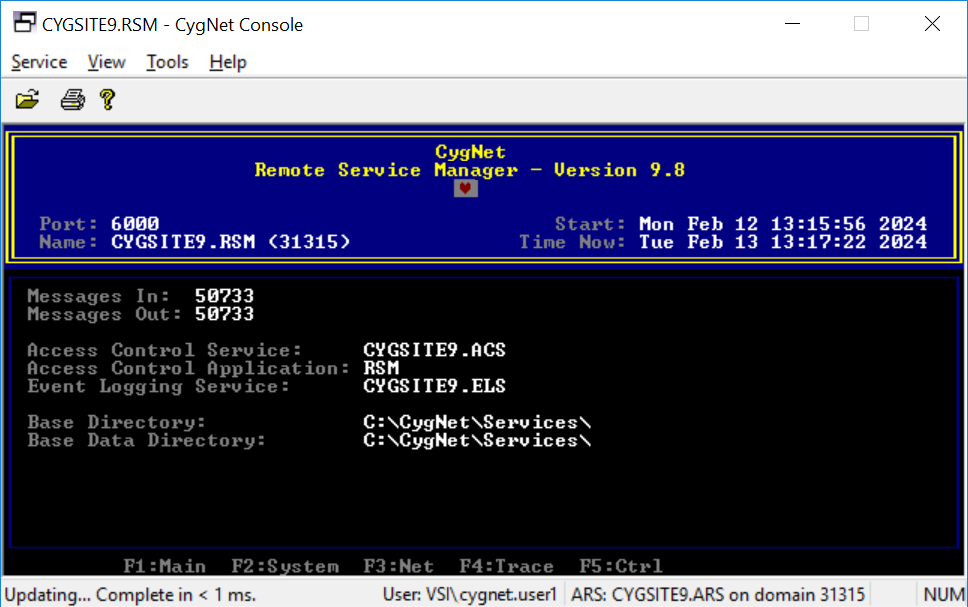
CygNet service screens display information applicable to the type and configuration of the service, such as the service name, associated services, event totals and statistics, and system messages. Service screens are mostly used for troubleshooting.
If services are running as process and they are not hidden, you can restore the screen from the task bar. If the services are hidden or running as Windows services, you have to use the CygNet Console application to view the service screens.
Be aware that a screen shown using CygNet Console is in a window. It has a menu bar and button bar. The CygNet Console window can be closed without affecting the operation of the service.
|
CygNet Console showing the CYGSITE9.RSM Main view |
See CygNet Console for more information.

